Best Bible in a Year Apps (Free & Paid) 2026
TL;DR
Find the best bible in a year apps to read the entire Bible in 365 days. Free options with daily reminders, progress tracking, and audio.
Best Bible in a Year Apps: Read the Whole Bible on Your Phone
Want to read the entire Bible in a year? It might sound impossible, but the right bible in a year app makes it totally doable.

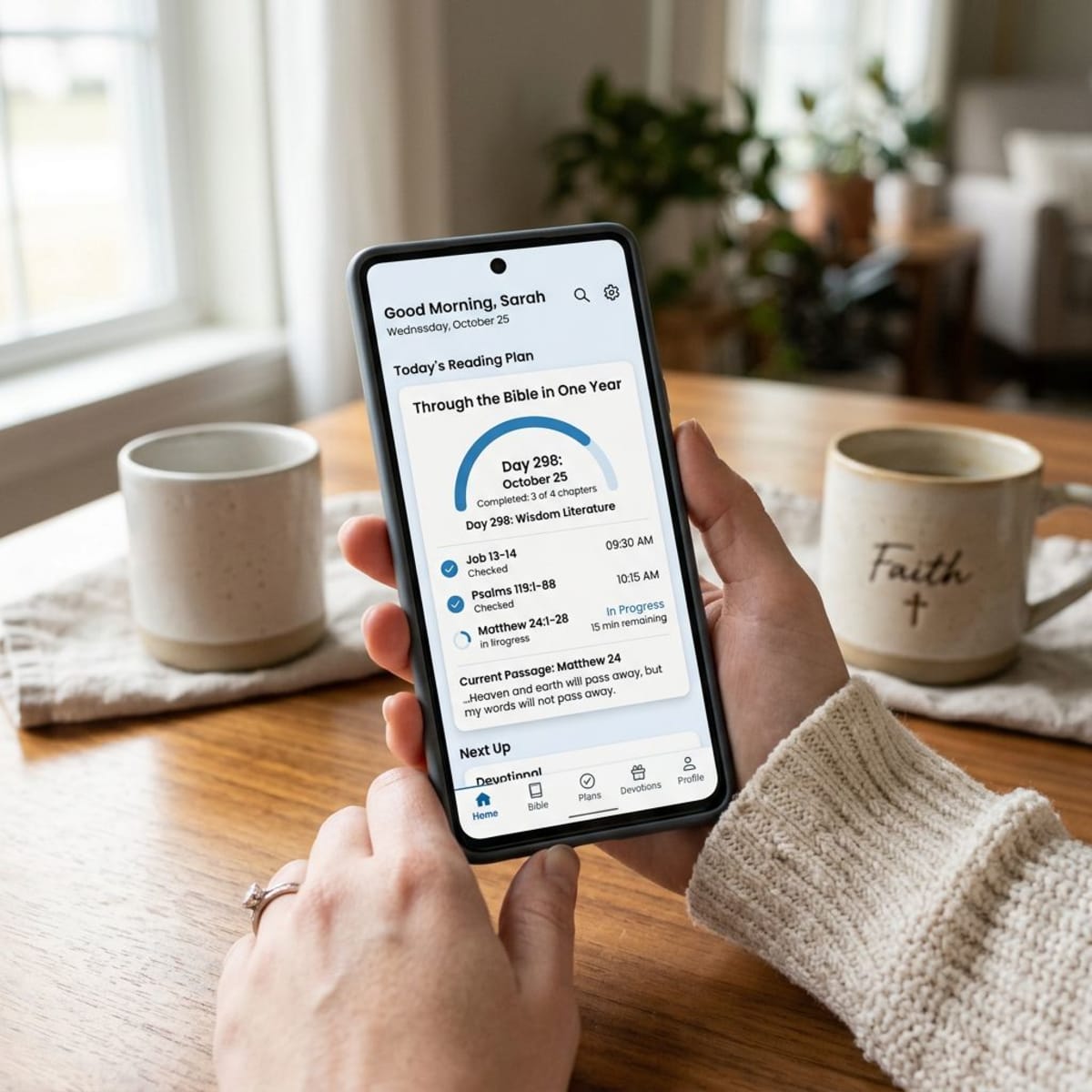
These apps break the Bible into small daily portions. Instead of feeling overwhelmed, you read just 15-20 minutes each day. Your phone reminds you when to read. It tracks your progress. It even reads to you when you're busy.
Let's find the perfect app for your Bible reading journey.
What Makes a Great Bible-in-a-Year App?
Not all Bible apps work well for reading the whole Bible. Here's what to look for:
Progress Tracking
You need to see how you're doing. Good apps show:
- How many days you've completed
- What percentage of the Bible you've read
- Your reading streak
- Visual progress bars
Daily Reminders
Life gets busy. You need an app that reminds you to read at times that work for your schedule.
Audio Support
Sometimes you can't read with your eyes. Maybe you're driving, exercising, or cooking. Audio lets you "read" while doing other things.
Works Without Internet
You should be able to read even when your WiFi is down. The best apps download content to your phone.
Simple Design
Complicated apps are distracting. Look for clean, easy-to-use interfaces that focus on reading.
Best Bible-in-a-Year Apps
1. YouVersion Bible App
Price: Free
Best For: Most people - it has everything
This is the most popular Bible app in the world. Over 500 million people use it.
What's Great:
- Multiple year-long reading plans
- Great audio quality
- Works in 200+ languages
- Tracks streaks and gives you achievements
- Completely free
What's Not:
- So many features it can feel overwhelming
- Social features might distract you
Perfect For: First-time Bible readers who want lots of help and encouragement.
2. Bible in One Year with Nicky Gumbel
Price: Free
Best For: People who want daily explanations
This app includes short explanations with each day's reading.
What's Great:
- Balances Old Testament, New Testament, Psalms each day
- 2-4 minute daily explanations
- Simple, clean design
- Available in many languages
What's Not:
- Explanations come from one person's perspective
- Fewer customization options
Perfect For: People new to the Bible who want help understanding what they read.
3. One Year Bible Plan
Price: Free
Best For: People who want zero distractions
This app does one thing: helps you read the Bible in a year. No social features, no extra stuff.
What's Great:
- Super simple and fast
- Multiple Bible versions
- Works without internet
- Tracks your progress
What's Not:
- Fewer features than other apps
- No audio options
Perfect For: Experienced Bible readers who just want a simple tool.
4. Bible Gateway
Price: Free
Best For: People who like to study while they read
This is more than a reading app - it's a study tool too.
What's Great:
- 70+ Bible versions
- Study tools and commentaries
- Search any word or phrase
- Syncs between phone and computer
What's Not:
- Interface can feel cluttered
- More complex than needed for simple reading
Perfect For: People who want to dig deeper into what they're reading.
5. BibleMate (Website)
Price: Completely free forever
Best For: People who want simplicity
This isn't an app - it's a website that works on any device.
What's Great:
- No account needed - just start reading
- No ads ever
- Works on phones, tablets, computers
- Saves your progress automatically
- Multiple Bible versions
What's Not:
- Web-based only (not a phone app)
- Fewer features than app-based options
Perfect For: People who don't want another app on their phone.
6. Dwell Audio Bible
Price: Free trial, then $7.99/month
Best For: People who learn better by listening
This app focuses on high-quality audio Bible reading.
What's Great:
- Amazing audio quality
- Different voices to choose from
- Background music options
- Sleep timer for bedtime listening
What's Not:
- Costs money after free trial
- Limited text reading features
Perfect For: Audio learners and people with busy schedules.
Quick Comparison
| App | Price | Audio | Offline | Best For |
|---|---|---|---|---|
| YouVersion | Free | Yes | Yes | Most people |
| Nicky Gumbel | Free | Yes | Yes | Beginners |
| One Year Bible | Free | No | Yes | Simple readers |
| Bible Gateway | Free | Yes | Yes | Study lovers |
| BibleMate | Free | No | Limited | No-app option |
| Dwell | $7.99/mo | Yes | Yes | Audio learners |
App vs Website vs Paper: What Works Best?
Mobile Apps Are Great If You:
- Read on the go
- Like phone notifications to remind you
- Want audio options
- Enjoy tracking progress digitally
Websites Work Better If You:
- Don't want another app on your phone
- Prefer reading on a computer or tablet
- Want something that works on any device
- Like to avoid phone distractions
Paper Plans Are Perfect If You:
- Prefer physical books
- Want zero technology distractions
- Like checking things off with a pen
- Don't always have internet
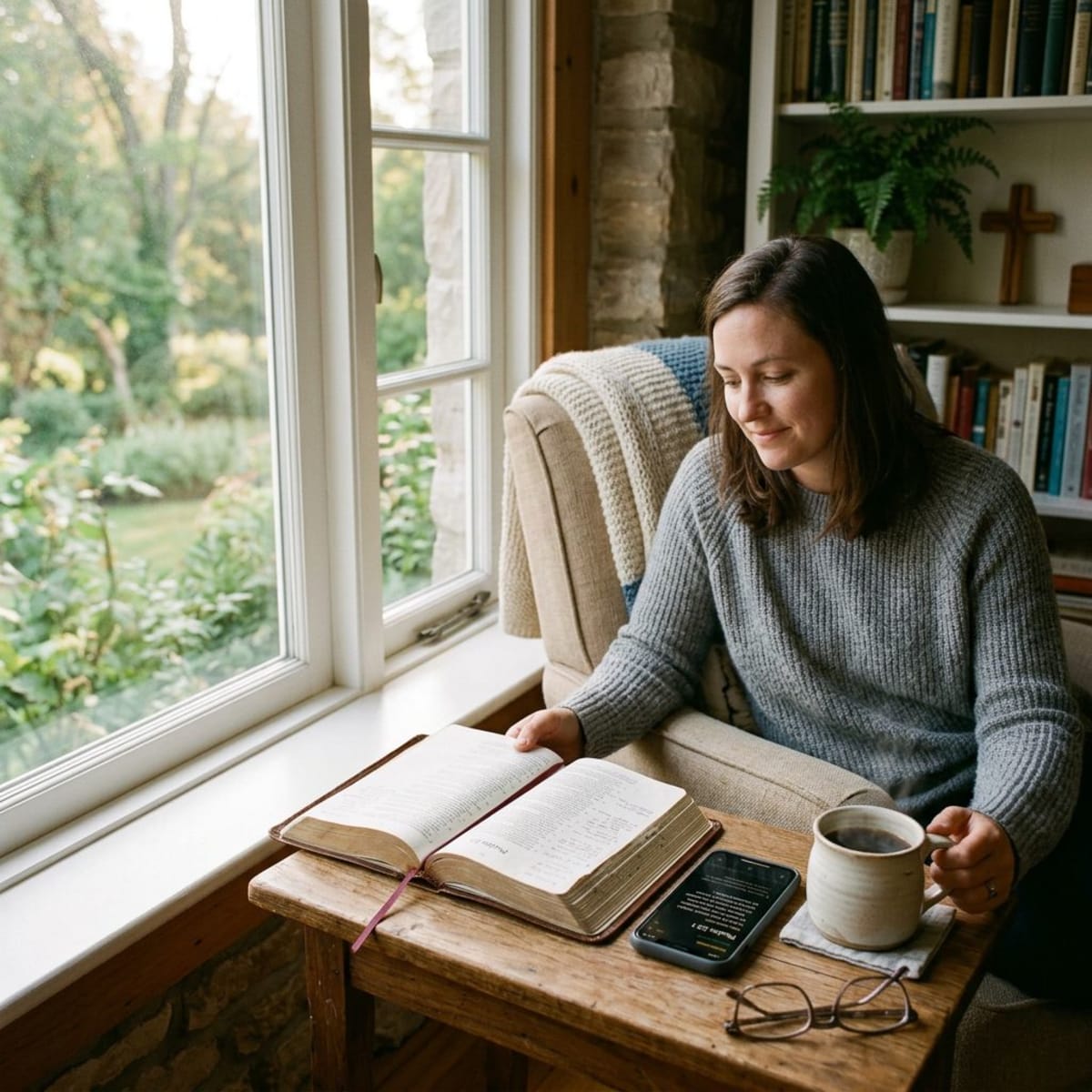
Most successful readers pick one format and stick with it. Don't jump between formats - it makes it harder to track progress.
Tips to Actually Finish Reading the Whole Bible
Starting is easy. Finishing takes strategy. Here's how to succeed:
Plan for Missed Days
You will miss days. That's normal. Plan for it:
- Use weekends to catch up
- Don't restart when you miss days
- Just jump back in where the current day is
Use Audio When You're Busy
Listen while:
- Commuting to work
- Exercising or walking
- Doing household chores
- Getting ready in the morning
Find a Reading Buddy
Share your journey with someone else. Check in weekly. Discuss what you're learning. Having someone to talk to keeps you motivated.
Don't Restart - Just Resume
This is the biggest mistake people make. If you fall behind, don't start over. Just pick up where the plan currently is. Reading 300 days of Scripture beats starting over 5 times and never finishing.
Mix Up Where You Read
Different locations keep it interesting:
- Coffee shops
- Parks
- Different rooms in your house
- Your car (while parked!)

Why BibleMate Stands Out
If you want simple and free without downloading an app, BibleMate is worth checking out.
What makes it special:
- No account creation required
- No ads ever
- Works on any device with internet
- Your progress saves automatically
- Multiple Bible translations
- Clean, distraction-free design
The reading plan gives you Old Testament, New Testament, Psalms, and Proverbs each day. You experience all parts of the Bible throughout the year.
You can read on your phone, tablet, or computer. Everything syncs automatically. If you want maximum simplicity, this might be perfect for you.
Check out our detailed one year Bible plan guide to see how BibleMate's approach compares to other methods.
Common Questions
What's the best free app?
YouVersion gives you the most features for free. BibleMate is completely free with no ads or account needed. Pick based on whether you want lots of features or maximum simplicity.
Can I start mid-year?
Yes! Don't wait until January. Start today. Most apps let you begin whenever you want. Some even adjust the schedule to help you finish by a specific date.
Do these apps work without internet?
Most do after you download the content. YouVersion, One Year Bible Plan, and Bible Gateway all work offline. BibleMate needs internet since it's a website.
Can I listen instead of reading?
Absolutely! YouVersion, Dwell, and Bible Gateway have great audio. Listening while commuting or exercising helps many people stay consistent.
Which Bible version should I use?
Pick one that's easy for you to understand:
- NIV - modern, clear language
- NLT - very easy to read
- ESV - more formal but accurate
- KJV - traditional language
Don't stress over this choice. Any of these will work great.
What if I fall behind?
Don't restart! Skip to the current day and catch up gradually. It's better to finish 300 days than to restart multiple times and never complete it.
How long does daily reading take?
Usually 15-20 minutes. Some days are longer, some shorter. Audio readings often take a bit longer than reading silently.
Getting Started Today
Reading the whole Bible in a year sounds impossible, but thousands of people do it every year. The key is picking the right tool and starting today.
Here's your action plan:
- Pick one app from this list based on your preferences
- Download or bookmark it right now
- Set a daily reminder for a time that works for you
- Start tomorrow with Day 1 - don't wait for Monday
- Tell someone you're doing this for accountability
Remember: the best app is the one you'll actually use every day. Pick something that fits your lifestyle and stick with it.
Ready to begin your Bible reading journey? Try our free reading plan and start experiencing God's Word in a whole new way - one day at a time.
Related on BibleMate
Keep exploring related topics, plans, and lists.
Read the Bible in 90 Days
An intensive 90-day plan to read the entire Bible — perfect for focused seasons of immersion.
Daily Bible Reading: Complete Guide
Free reading plans, practical tips, and a simple system to read the entire Bible in a year — 15 minutes a day.
How to Read the Bible Daily: 15 Tips
Practical tips for building a daily Bible reading habit that actually sticks.
Get the BibleMate App
Take your Bible reading anywhere. Track progress, build streaks, and stay on plan — all from your phone.
Ready to start your Bible reading journey?
Read the entire Bible in one year with daily guidance.