Olive Tree Bible App Review: Features, Pros & Cons (2026)
TL;DR
Complete Olive Tree Bible App review. Discover features, pricing, pros and cons to decide if this Bible study app is right for you.
Olive Tree Bible App: Is It Worth It? (Honest Review)
Looking for an olive tree bible app that does more than basic reading? You're in the right place. The right app can make a big difference in your Bible journey — whether you're just starting out or have studied for years.
In this review, we'll cover what Olive Tree offers. The good, the not-so-good, and who it's best for. Let's dig in!

What Is Olive Tree Bible App?
Olive Tree Bible App (also called Olive Tree Bible Software) has been around since 2000. That's long before most Bible apps came along. It started as a small project built for Palm Pilot devices. Over the years, it grew into one of the most trusted names in Bible software.
HarperCollins Christian Publishing now owns it. They're the same company behind the NIV and NKJV translations. This means Olive Tree has strong ties to major Bible publishers.
This app is built for readers who want more than just the text. Think notes, word studies, and cross-references — all in one place. It gives you tools to go deeper, not just read faster.
It works on iOS, Android, Mac, Windows, and Kindle Fire. Olive Tree skips the social media fluff and game-like features. Instead, it stays focused on one thing: helping you study the Bible deeply. Many pastors, teachers, and students have relied on it for years.
Key Features of Olive Tree Bible App
Bible Translations
Olive Tree has a wide range of translations, including:
- ESV (English Standard Version)
- NIV (New International Version)
- KJV (King James Version)
- NLT (New Living Translation)
- NASB (New American Standard Bible)
- NKJV and many more
Some are free. Others cost a one-time fee. The free options are enough to get started right away.
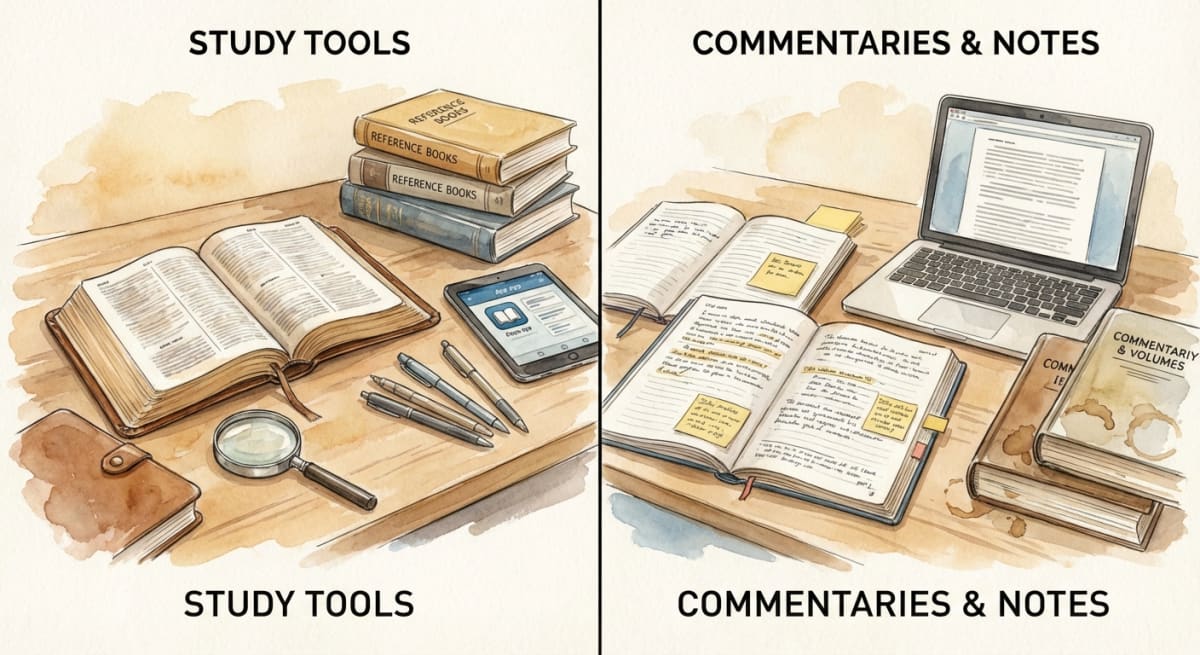
Study Tools & Commentaries
This is where Olive Tree really shines as a bible study app. You can buy and use:
- Matthew Henry's Commentary
- The MacArthur Study Bible
- Strong's Concordance
- Vine's Expository Dictionary
- Dozens of other reference works
These tools link right to the verse you're reading. Tap a verse and see notes, cross-references, and word meanings. It's like a whole Bible library in your pocket.
You only buy what you need. For many users, this is what makes Olive Tree stand out. If you've ever wondered "What does this verse mean?" while reading, these tools give you answers on the spot.
Note-Taking & Highlighting
You can highlight verses in many colors and add your own notes. Your marks stay tied to each verse, so you can always find them. It's like a marked-up Bible — but digital.
You can also sort notes by topic or tag. This makes it easy to build your own study library over time. Many users say their saved notes are the reason they stick with Olive Tree.
Cross-Platform Sync
Your progress, notes, and highlights sync across all devices. Start on your phone at lunch. Pick up on your tablet at home. A free account keeps it all in sync.

Offline Access
This is a top-notch offline bible app. Once you download your Bibles and tools, they work with no internet. Great for flights, camping, or areas with weak signal. You don't need to plan ahead either. Just download what you want and you're set. Many users love this for their daily commute on the subway or bus where service drops out.
Split-Screen Study
The split-screen feature lets you view two things side by side. For example, the Bible on one side and a commentary on the other. This is a game-changer for deep study.
On bigger screens, you can open three or four panels at once. Compare translations, read notes, and check commentary all at the same time. For sermon prep or group study, this feature alone is worth a look.
Reading Plans and Daily Guides
Olive Tree does have some reading plans. But it's more of a study tool than a daily reading app. The plans it offers are basic and don't have the same polish as apps built just for daily reading. If you want a focused daily reading plan, you may want to pair it with another app. Many users find that using Olive Tree for study and a separate app for daily reading gives them the best of both worlds.
Olive Tree Bible App Pricing
Great news: the core app is free. You get:
- Several free Bible translations
- Basic notes and highlighting
- Cross-platform sync
- Offline access for downloaded content
Paid resources (like commentaries and study Bibles) are one-time buys — not subscriptions. Prices range from a few dollars to $30+ for top study Bibles.
This model is refreshing. You buy it once and own it forever. No monthly fees.
Olive Tree runs sales often — especially around holidays. You can build a solid library without spending too much. Just be patient and watch for deals.
Tip: Start with the free tools. Add paid resources later as your needs grow. No rush!
Pros of Olive Tree Bible App
- Deep study tools — Notes, word studies, and cross-references at your fingertips
- Clean reading — No ads or social media noise
- One-time purchases — No subscriptions for resources
- Great offline support — Download and use without internet
- Cross-platform — Works on almost any device
- 20+ years of updates — A proven, mature app
Cons of Olive Tree Bible App
Let's be honest about the downsides:
- Costs can add up — Multiple paid resources get pricey over time
- Learning curve — So many features can feel like a lot at first
- Dated look — It works well, but the design isn't the most modern
- No strong reading plans — You'll need another app for daily structure (more on this below!)
- Search can be slow — Some users notice lag with big libraries
- No audio for all versions — Audio support is limited to certain translations
- Account needed for sync — You can use it without one, but syncing requires sign-up
Who Is Olive Tree Best For?
Olive Tree is a great fit for:
- Serious Bible students who want study tools and notes
- Pastors and seminary students who need many reference works
- People who like to own, not rent — one-time buys over subscriptions
- Offline readers — travelers or anyone with weak internet
It's not the best pick if you just want a simple daily reading plan. For that, a lighter app may work better.
Think of it this way: Olive Tree is like a full workshop. If you love to dig deep, you'll feel at home. If you just want to pick up and read, a simpler tool might be a better start.
Olive Tree vs Other Bible Apps
Here's a quick look at how they compare:
| Feature | Olive Tree | YouVersion | BibleMate |
|---|---|---|---|
| Price | Free + paid extras | Free (with ads) | 100% Free |
| Study Tools | Lots | Basic | — |
| Reading Plans | Few | Many | 365-day plan |
| Offline Access | Yes | Partial | Yes |
| Account Needed | Yes (for sync) | Yes | No |
| Subscription | No (one-time) | Optional | None |
If your main goal is daily Bible reading with a simple plan, check out BibleMate's free reading plan. No account needed, no ads, and your progress saves on its own. It pairs well with Olive Tree for deeper study!
For more options, see our guide to the best Bible apps today.
Tips for Getting the Most Out of Olive Tree
Here are a few tips if you try it:
- Start simple. Use the free translations first. Get to know the app before buying anything.
- Learn split-screen early. It's one of the best tools and will change how you study.
- Set up a highlight system. Use colors for different things — promises, commands, questions, insights.
- Watch for sales. Resources often go 50% off or more.
- Pair it with a reading plan. Olive Tree is great for study. Add a daily plan to keep your pace.
How to Get Started with Olive Tree
It's easy to begin:
- Download the app from the App Store or Google Play
- Make a free account to sync across devices
- Get a free Bible (ESV or KJV are great picks)
- Browse the store for any extras you'd like
- Start reading! Try the split-screen for a richer study
Want a reading plan to keep you on track? Pair Olive Tree with a daily devotional app or free audio Bible for days when you'd rather listen.
Frequently Asked Questions
Is the Olive Tree Bible App really free?
Yes! The core app is free. You get several Bible versions, notes, highlighting, and sync. Paid study tools like commentaries are optional one-time buys.
Can I use Olive Tree offline?
You bet. Download your Bibles and resources, and they work with no internet at all. It's one of the best offline Bible apps out there.
Does Olive Tree need a subscription?
No. Olive Tree uses one-time purchases for paid resources. You buy it once and keep it forever. No monthly or yearly fees.
What Bible versions does Olive Tree have?
Olive Tree has dozens of options: ESV, NIV, KJV, NLT, NASB, NKJV, and more. Some are free. Others are paid. There's a good pick for any taste.
Is Olive Tree good for beginners?
It can be, but it takes some getting used to. If you're new to the Bible and want a simple daily plan, a lighter app may be easier to start with. Olive Tree shines when you're ready to go deeper.
How does Olive Tree compare to YouVersion?
YouVersion is better for social features and reading plans. Olive Tree wins on study tools and notes. They serve different needs, and many people use both!
Can I move my Olive Tree purchases to a new device?
Yes! Sign in with the same account and all your purchases, notes, and highlights will sync. This works across all platforms — phone, tablet, or computer.
Does Olive Tree have audio Bible features?
Olive Tree does offer some audio Bibles, but the range is smaller than apps built for audio. If listening matters to you, check out our guide to the best free audio Bibles.
Final Thoughts
The Olive Tree Bible App is a strong tool for anyone serious about Bible study. Its rich library, one-time purchase model, and great offline support make it stand out.
That said, it's not the simplest choice for a new reader. If you want an easy, guided way to read through the Bible this year, BibleMate offers a free 365-day plan. No account needed. No ads. No hidden costs. Just open it and start reading — one day at a time.
No matter which tool you choose, what counts is time spent in God's Word. Deep study or simple daily reading — every moment with Scripture matters. The best Bible app is the one you'll actually use.
You don't have to pick just one tool either. Many readers use Olive Tree for study time and a simpler app for daily reading. Find what works for you and stick with it.
You've got this. We're cheering you on! 🎉
Related on BibleMate
Keep exploring related topics, plans, and lists.
Bible Verses About Love
Discover powerful Bible verses about love — God's love for us, loving others, and the greatest commandment.
All 66 Books of the Bible
Complete list of every book in the Bible in order — Old and New Testament with author, chapters, and genre.
Chronological Bible Reading Plan
Read the Bible in the order events actually happened — perfect for understanding the full narrative arc.
How to Read the Bible Daily: 15 Tips
Practical tips for building a daily Bible reading habit that actually sticks.
Get the BibleMate App
Take your Bible reading anywhere. Track progress, build streaks, and stay on plan — all from your phone.
Ready to start your Bible reading journey?
Read the entire Bible in one year with daily guidance.